Bring real-time transit predictions to your commute
Using Live Tracker
Learn how to enhance your commute. Find up-to-date information about schedules and real-time vehicle positions with just a few clicks. Easily search for routes, stops, and locations, and sort each information to fit your needs. Stay informed with the most accurate and timely information available.
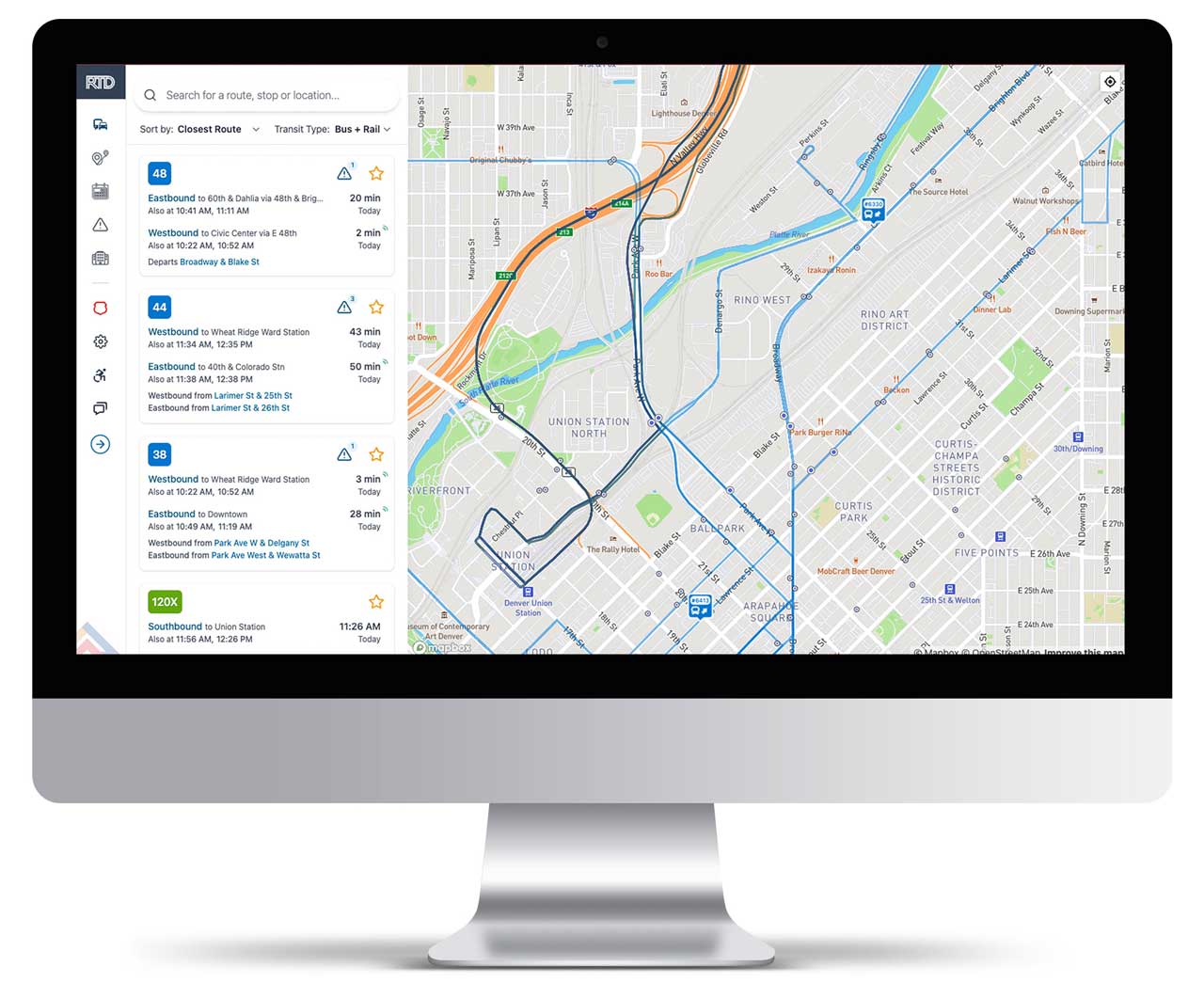
Live Tracker is a feature that helps you plan your trip on RTD buses and trains. With this feature, you can find out when the next vehicle will arrive at a certain stop and where it's going. Here's how it works:
Search for a route, stop, or location
You can use the search bar to find a location, stop, or intersection. You can enter an address or place name to find the location you're looking for. You can also search for stops using the stop number or by intersection, like “12th Ave & Josephine St.”

See real-time information
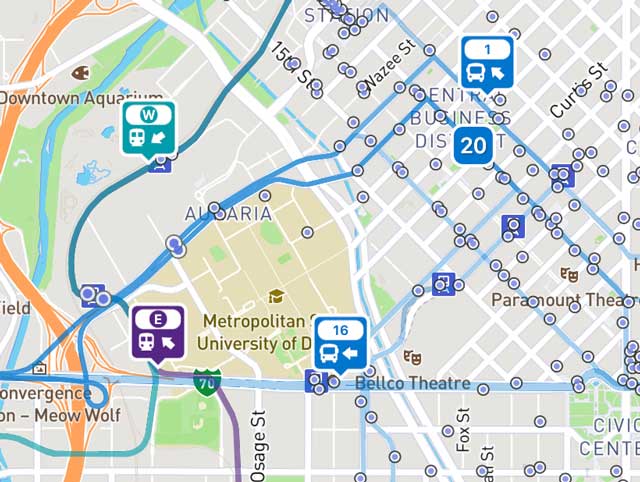
Once you're centered on a location within the RTD service district, you can see up-to-date real-time information or scheduled times if real-time information is not available. The map will show you which routes the service vehicles will travel, color-coded and labeled for easy identification. If real-time vehicle positions are available, you can see icons featuring the vehicle's current location on the map. Each vehicle icon shows the type of vehicle (bus or rail), the vehicle ID number, and the approximate direction of travel. The map also includes information cards that give details about each route, so you can quickly find the information you need.
Update route information
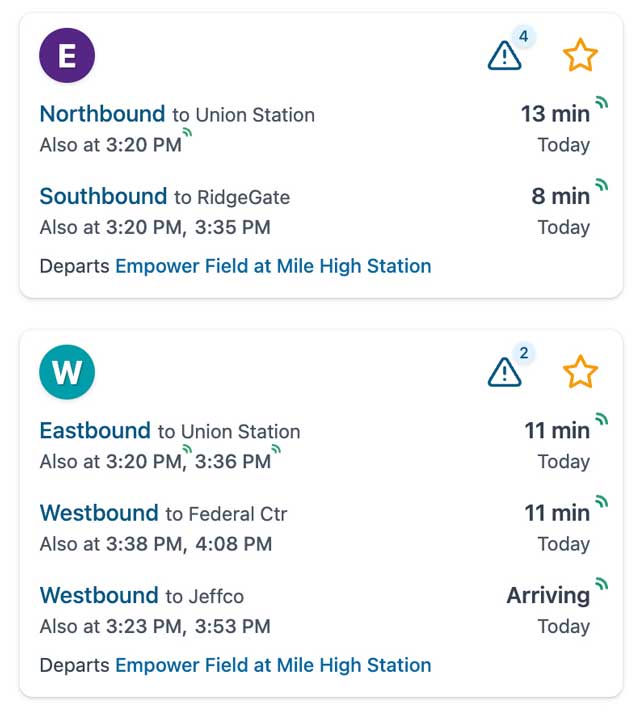
If you want to update the route lines and route cards, you can click the “Search for stops in this area” button to update. The Route Cards show the current status of each trip currently on the route, including the time of the next scheduled or real-time estimate of when the next vehicle will arrive to the stop closest to your current position on the map. Each card also displays the direction and origin of each trip. You can sort the Route Cards by the routes closest to your current position (default), the name of the route, or which route will be departing the soonest. The transit type filter allows you to show either both rail and bus routes (default), bus only or rail only.
Stay up-to-date
The vehicle positions and time estimates will update periodically as you leave the app open, giving you the most up-to-date information about your commute available. If a bus route or train line has any alerts, there will be a notification on the route/line card or on the page. Click on the text to see the details about the alerts. You can also visit the alerts page to see a list of all bus routes and rail lines with active alerts. The symbol means that the trip is communicating location information in real-time. If this symbol is not present, the times displayed are estimates based on the schedule of the trip.